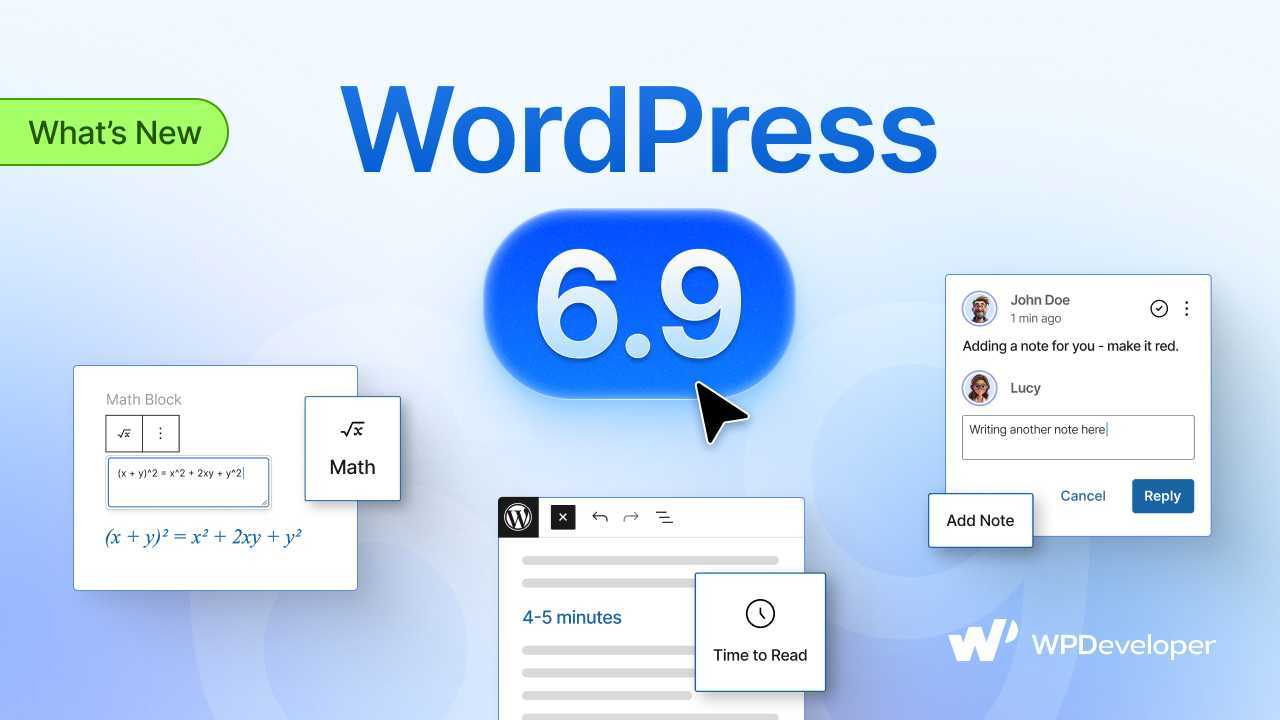
Exciting News: WordPress 6.9, “Gene” – named after the renowned American Jazz pianist Gene Harris – is now LIVE!
Over the years, WordPress has developed the way website building works. From flexible drag-and-drop features to creative blocks, every update brings something new and exciting. This version, released on December 2nd, 2025, is no different.
The final and second major release of 2025 comes packed with enhancements that aim to boost creativity, performance and workflows on the platform more than ever.
In this blog, we will explore in detail what you can expect in the latest version of WordPress “Gene”, as well as everything you should know about the updates.
WordPress 6.9: Glimpse of What You Will Find in “Gene”?
The latest release of WordPress 6.9 mostly focuses on introducing new ways to collaborate at the block level, new blocks to improve your site-building workflow, enhanced editing tools and architecture, updates to the API, optimized performance and more.
Overall, Gene resolves over 125+ enhancements and 250+ bug fixes to the core, with major improvements across the Block Editor, the wp-admin and performance – brought to you by the tireless efforts of more than 900 contributors.
But not just that, it also introduces over 440 enhancements and 570 fixes to the Block Editor, Site Editor, DataViews, and related Core APIs, making this one of the most polished releases yet.
So what’s inside this new release? Let’s have a quick glimpse of it.
New Blocks: Get introduced to the blocks, Accordion, Terms Query, Math block and Time To Read to make your design process smoother.
Expanded Template Management: Now you can work with multiple template slugs for the same page, draft after publishing, activate or deactivate templates and more.
Notes: Add notes to the blocks to improve the workflow and collaboration.
Hide Blocks: For a flexible editing workflow, hide the blocks from the frontend while editing them from the backend.
Improved Drag & Drop: Move the actual blocks within the editor to make it a visually enhanced editing experience.
Improved Command Palette: Command palette is now available for both the editor and the dashboard.
Performance & API: Enhances performance with new APIs, improved interactivity, advanced DataViews & DataForm components, safer HTML handling and smarter block bindings for faster, more dynamic site building.
And many more. With the latest release of WordPress version 6.9, you can now enhance your user experience exponentially in terms of collaborations, website building and development. Next, let us delve into the details about the features and improvements.
How It All Works: Let’s Explore WordPress 6.9 “Gene” More
Now that you have an overview of what to expect from the latest WordPress version, it is time to learn more about how these features work. Here, in this section, we will take a look at how each of these new blocks, features and updates can improve your website-building workflow.
Accordion Block: Organize Web Content Efficiently
With WordPress 6.9, you can now organize your content more efficiently with the accordion block for Gutenberg.
An accordion is a collapsible section of content that allows for easy expansion or collapse when needed. It will consist of two sections: the Accordion Header and the Accordion Panel. The best part about this new block is that you can add columns to the Panel, style different sections using both the Header and the Panel and change the heading color and typography within it.
For example, let’s say you want to create an FAQ section for your website, where you want to show different customer queries. With the accordion block, you can show it smoothly and efficiently to your visitors.
Or, you can add columns to the Accordion Panel and insert different blocks to each of the columns to give your website pages a different look that’s more attention-grabbing than regular text blocks.
Terms Query Block: Smarter Content Filtering
The new Terms Query Block works like the Query Block, but it focuses more on terms rather than posts, allowing you to dynamically display taxonomy data more flexibly. It includes a Terms Template block to hold inner blocks for each term, offering greater customization than the traditional Categories or Terms List block.
Inside the query block, there are three supporting blocks: Term Template block, Term Name block and Term Count block. Before, you could only show the posts using the Query Block; now the Terms Query block offers flexibility to show tags and categories along with the number of posts inside the category.
Math Block: Perfect for Formulas & Mathematical Expressions
Ever faced a problem when showcasing a mathematical expression in your web page, even when it was crucial for your blog or page to perform well? Well, WordPress 6.9 brings you the perfect solution to that issue.
Another new block is the math block and inline math formatting, which allows users to add mathematical formulas or expressions either as standalone blocks or as in-line texts. Formulas are stored in MathML for improved accessibility and compatibility, while keeping the original LaTeX input intact for easy editing.
This can be effectively used for educational websites that focus on guiding students about different mathematical concepts. For tests or examination purposes on eLearning websites or various educational technology platforms, this block can add phenomenal functionalities.
Time to Read Block: Improve Users’ Experience
Thinking about how much time it might take to read a detailed blog post? The stabilized Time-to-Read block ensures that your reading time is accurately estimated for a post, both in the editor and on the front end. Not only can you read the time, but you can also enable the overall word count of the blog. This improves the overall user experience by allowing readers to estimate the reading time and get an idea of the word count.
This block is essential for websites that have detailed guidelines related to blog posts. For example, a blog about healthy recipes could use the Time to Read block at the top of each post to show readers an estimated reading time, like “3 min read”. For longer articles, it can encourage readers to allocate enough time or decide whether to bookmark the post for later.
Block-Level Notes: Streamline Collaboration And Editing
Collaborating with your team on a WordPress page and need to add a comment? What is a better way to add a note for the block? In WordPress, you can now add notes in a block, so that your team gets aligned with your feedback and can make changes in the block if needed. This new feature also allows administrative or editorial-level team members to communicate through note threads and replies.
For example, your website designers added a certain color to a button block. But for a special campaign, the color will be changed based on the campaign theme. In that case, just by adding a note, stakeholders can communicate with each other about certain changes in the color.
Drag And Drop Blocks Directly: Create a Smoother Building Experience
This update removes the old ‘drag chip’ and instead lets you move the actual block directly during drag-and-drop website building. As you drag a block, it scales down slightly and smoothly follows your cursor, allowing for a more fluid and intuitive interaction. This upgrade makes dragging feel more natural, enhancing usability for all users.
Frontend Block Hiding: Experiment without Impact
This new release gives you the chance to hide the blocks individually from the frontend while keeping them fully editable in the backend. This gives designers more flexibility when working on layouts or drafting content, whether they are experimenting with alternative designs, reserving space for future or holding off on publishing incomplete ideas.
For instance, let us say you want to design a hero section for your website. You have created two versions, one with large typography and another with minimalistic text. Instead of deleting one layout, you can hide the alternate version in the editor.
Stretchy Text Block: Adjust Every Text Smoothly
Adjusting texts can sometimes be difficult for users. But with Stretchy Text, in WordPress 6.9, you can stretch texts. Across different sizes, you can now adjust the size of Heading or Paragraph blocks accordingly.
Some Other Updates You Might Need to Know
Apart from content creation and editing features, WordPress also brought some developer and performance updates. These updates help to make your WordPress smoother and smarter. Here are some of the updates discussed in short.
Command Palette But Everywhere
The automatically enabled command palette is now everywhere in your WordPress dashboard. Command Palette is now available in both the Editor and the Dashboard. It offers a quick, streamlined way to move around your site and execute actions without digging through menus or clicking through multiple screens. Just start typing to search, navigate to specific areas, or run commands instantly.
New HTML Element for the Button
In the recent WordPress release, you have advanced HTML for the button. That means, in the advanced settings, you can use the <button> tag instead of the <a> or anchor tag. This has been implemented to improve accessibility issues.
Create Page Directly from Navigation Block
Now, in WordPress 6.9, you do not have to go back to the WordPress dashboard and create a new page. You can now directly create a new page from the Navigational block. This process makes it smooth and simple for users to add a new page directly from the editor.
Developer & API Updates
WordPress 6.9 updates the DataViews and DataForm components with new field types and filter options. While these changes are foundational and non-breaking, they may affect screens like Pages, Patterns and Templates in the Site Editor. Users encountering issues are encouraged to report them in the Gutenberg repository and link them to the WordPress 6.9 DataViews & DataForm tracking issue.
Additionally, the release introduces the Abilities API, a unified registry of callable abilities with defined inputs and outputs, designed to make WordPress functionality more accessible for developers and AI integrations.
Social Custom Icon Flexibility
WordPress 6.9, Gene, makes it easier for developers to add custom social icons in the social icons block. Developers can now register new icons, like Ko-fi, IMDb, Letterboxd, Signal, YouTube Music, or Dropbox, without needing custom code or plugins. Once registered, users can simply select and display these icons in the block, ensuring consistent style and behavior while saving time and effort.
Explore WordPress 6.9 “Gene” And Enhance Your Website-building Experience
Now it is time to get started with WordPress 6.9. Update now and explore more amazing features, blocks and updates to make your WordPress experience smoother and flexible. If you are using an old version, then it is the perfect time to dig deeper into the latest version of WordPress.
Hopefully, you have found this article useful. We are eager to learn more about your experience with WordPress 6.9. If you want to stay up to date with the latest WordPress updates, trends and tips, subscribe to our blogs and join our Facebook Community.
The post What’s Inside WordPress 6.9 “Gene”: Accordion, Terms Query, Math Block And More appeared first on WPDeveloper.
Leave a Reply