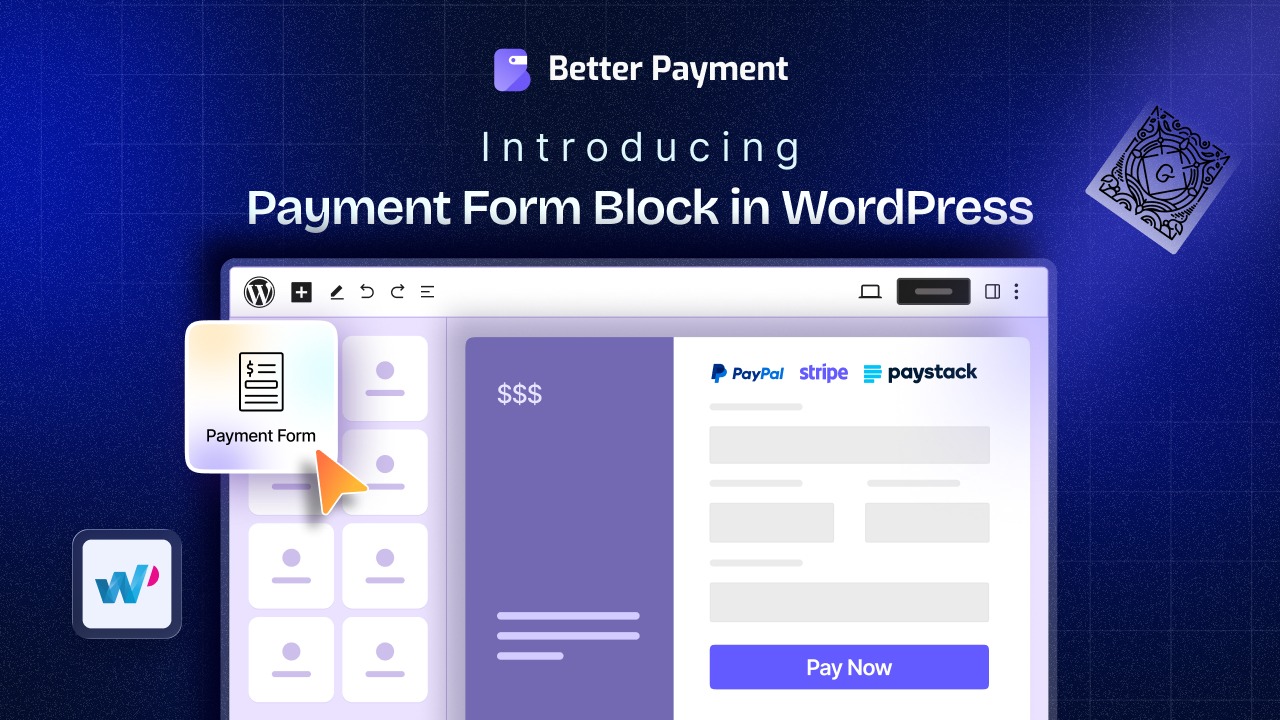
If you have been building WordPress sites with the block editor, you already know how powerful Gutenberg has become. From designing full-page layouts to embedding dynamic content, the WordPress block editor has matured into a serious page-building experience. But one thing that is always a headache – accepting payments directly inside Gutenberg.
That changes today.
Better Payment, the WordPress payment plugin from WPDeveloper, trusted by thousands of site owners, has officially introduced a native Gutenberg payment form block. It is now easy to accept payments in the WordPress block editor without shortcodes, third-party page builders or a single line of code.
Why Do You Use a Gutenberg Payment Form Block?
For years, creating a WordPress payment form meant one of two things: either you used a page builder like Elementor, or you embedded a shortcode and hoped for the best. Neither option felt native. Neither felt seamless.
The WordPress block editor has become the default editing experience for millions of WordPress sites, yet most WordPress payment form plugins still treat Gutenberg as an afterthought (offering limited block support that barely scratches the surface of what the editor can do).
Better Payment’s new Gutenberg payment form block is built from the ground up to feel at home inside the block editor. No shortcodes. No page builder dependency. Just search for the block, drop it onto your page, and start configuring. It works exactly the way the block editor was designed to work.
Whether you are running a small business site, a nonprofit fundraising page, a membership platform, or an eCommerce store that needs a standalone payment form in WordPress without coding, this release is built for you.
What’s Inside the Better Payment Gutenberg Block?
The new Better Payment Gutenberg block is not just a payment button; it is a fully featured WordPress block editor payment form with granular control over layout, fields, gateways, email notifications and styling. Here is a complete breakdown of everything it offers:
1. Payment Settings: Layouts, Gateways & Currency
Once you add the Better Payment block to your page, the first thing you will configure is the Payment Settings panel. This is where the foundation of your Gutenberg payment form comes together.
Three layout options are available out of the box, giving you the flexibility to match the payment form to your site’s design without touching a line of CSS. Whether you need a compact single-column form or a wider layout for a dedicated checkout page, you can switch between options instantly inside the block editor.
From the same panel, you can enable PayPal, Stripe and Paystack with a single toggle, giving your customers flexible payment options. It makes Better Payment one of the most versatile WordPress payment gateway block solutions available for the block editor. You can also set your preferred multiple-currency payment in WordPress and control the form’s alignment: all from the Payment Settings tab.
This means you get a complete Stripe payment form in WordPress, a PayPal payment form in WordPress and Paystack payment in WordPress: all inside a single, unified block.
2. Form Settings: Full Control Over Every Field
The Form Settings panel gives you complete control over how your WordPress block editor form looks and behaves for your visitors.
From here, you can customize every form field: including the field name, input type, placeholder text and icon.
This level of control means your payment form in WordPress can feel native to your brand rather than generic. Want to rename a field, swap out an icon, or adjust the input text to better guide your customers through checkout? Every change happens live inside the Gutenberg block editor, with no coding required.
This is what a truly no-code payment form in WordPress should look like (visual, intuitive, and immediate).
3. Payment Method Settings: Connecting Stripe, PayPal & Paystack
The real power of any WordPress payment form plugin comes down to how smoothly it connects to your payment gateways. Better Payment handles this inside three dedicated panels, one for each supported gateway.
From the Stripe panel, you enter your public key and secret key, then enable the live button to start accepting real payments. The PayPal panel works similarly, using your business email ID to route payments to the right account. Paystack follows the same pattern, making it one of the most accessible Paystack payment WordPress setups available in the block editor today.
Each gateway is configured independently, giving you the flexibility to offer your customers multiple ways to pay (all from the same Gutenberg payment form block). This level of WordPress payment gateway flexibility, built natively into the block editor, is what sets Better Payment apart from typical WordPress block editor form solutions.
4. Email Settings: Automated Notifications for Admins & Customers
A payment form for WordPress is not complete without a reliable notification system. Better Payment’s new Gutenberg block includes a comprehensive Email Settings panel that handles automated emails for both sides of every transaction.
For admins, you can set a custom subject line, message body, sender name, reply-to address, CC, and BCC, giving you full control over how payment confirmations hit your inbox. For customers, the same level of customization is available, making sure every buyer receives a clear, branded confirmation immediately after completing their payment.
This built-in email notifications payment form WordPress setup eliminates the need for a third-party notification plugin and keeps your entire payment workflow inside one block.
5. Success & Error Messages: Full Styling Control
What happens after a payment is submitted matters just as much as the form itself. Better Payment’s Gutenberg block gives you dedicated panels for both Success Messages and Error Messages with full styling control over each.
From the Success Message section, you can customize the icon style, heading typography, thank-you message copy, and layout. From the Error Message section, the same level of control applies (typography, icon, margin, and background), which can all be adjusted to match your site’s design language.
This means your customers always get clear, on-brand feedback whether their payment went through or something needs attention. It is a small detail that makes a big difference in building trust on any WordPress payment form.
6. Style Tab: Make Your Payment Form Truly Yours
The Gutenberg payment form block from Better Payment ships with a dedicated Style tab that gives you deep WordPress payment form styling options without writing a single line of code.
From the Style panel, you can customize the form sidebar, container, header, form fields, text, and payment settings to match your brand exactly. This level of customized payment form in Gutenberg design control, all inside the native block editor, is what makes this release stand out from typical WordPress payment form plugins that offer little to no styling flexibility within Gutenberg.
Want your payment form to match your homepage’s color palette? Done. Want a specific button style, a unique background on the form container, or a custom header treatment? All of it is available directly from the Style tab (no custom CSS, no external tools, no Elementor dependency).
Who Is This Feature Built for?
The Better Payment WordPress block editor payment plugin is designed for a wide range of WordPress users:
Freelancers and agencies who build client sites in the WordPress block editor and need a reliable, flexible drag and drop payment form for WordPress without locking clients into a page builder subscription.
Nonprofits and cause-driven organizations that need to accept donations in the WordPress block editor with a clean, trustworthy form that does not require a separate donation plugin.
Small business owners who want to add an online payment form in WordPress for services, deposits, or event registrations directly inside the pages they are already building in Gutenberg.
Course creators and membership site owners who need a standalone payment form in WordPress without Elementor to handle one-time or subscription payments.
WooCommerce store owners who want additional payment form flexibility outside of their main checkout (for deposits, pre-orders, or custom product configurations).
How Do You Get Started with the Gutenberg Payment Form Block
This Gutenberg release does not arrive in isolation. Better Payment already supports Elementor through a dedicated form integration, making it one of the few WordPress payment form plugins with first-class support for both of WordPress’s most popular page building environments.
With the addition of the native Gutenberg payment form block, Better Payment now covers the full spectrum of how WordPress sites are built today. It gives site owners the freedom to build their payment forms wherever they build everything else.
The plugin also supports multiple currencies, recurring subscriptions, fundraising campaigns, dynamic pricing URLs, split payments, and a full transaction analytics dashboard, which makes it far more than a basic WordPress payment gateway block. It is a complete payment management system that now works natively inside the block editor.
How to get started?
Setting up a payment form in Gutenberg with Better Payment is straightforward and requires no coding at all. Simply open your page in Gutenberg, search for the “Payment Form” block, and drop it wherever you want it to appear.
From the block’s settings panel, you can pick from three layout options, enable PayPal, Stripe, or Paystack with a single toggle, and set your preferred currency and alignment.
Customizing the form fields is just as easy. You can rename fields, change their types, swap icons, and tweak the input text to match your brand.
Learn More: How To Configure And Style Payment Form in Gutenberg Using Better Payment?
What This Means for the WordPress Community
The arrival of a native Gutenberg payment form block inside Better Payment is more than a feature update. It is a signal about where WordPress is headed. As the block editor continues to mature and more users move away from traditional page builders, the tools they rely on need to move with them.
Better Payment’s Gutenberg support means site owners who build entirely in the WordPress block editor no longer have to compromise. They do not need to install a page builder just to add a payment form in WordPress.
Plus, they do not need to use shortcodes or workarounds that break the flow of their editing experience. Last but not least, they do not need to stitch together multiple plugins to cover what one block now handles end-to-end.
Try Gutenberg Payment Form Block for WordPress Today
The new Gutenberg payment form block is available now in the latest version of Better Payment. If you are already using the plugin, simply update to the latest version from your WordPress dashboard and the block will be ready to use immediately.
And if you are looking for a payment solution for your Gutenberg website with multi-currency support, subscription payments, fundraising campaigns and much more.
Share your thoughts in the comments section and subscribe to our newsletter or join our community to receive additional fundraising tips and tricks.
The post Better Payment Introduces Gutenberg Payment Form Block for WordPress appeared first on WPDeveloper.
Leave a Reply