Getting your new content published and shared to the target audience should be an exciting moment for any creator. Instead, many publishers find themselves completely frustrated by the need to juggle multiple browser tabs just to get a single post live. If you truly want to streamline WordPress publishing, you must build a system that keeps all your final tasks in one specific place.
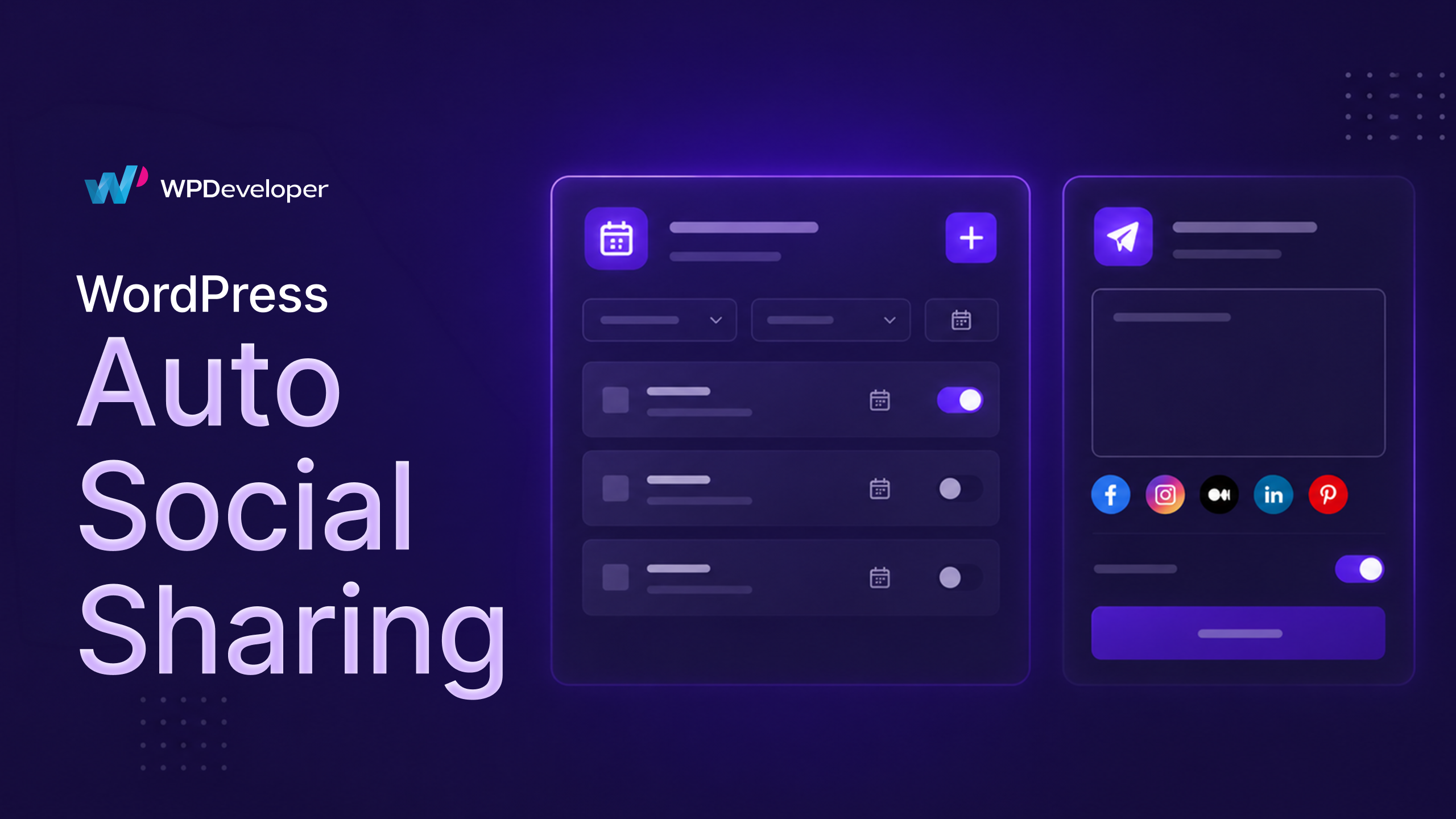
This exact challenge is why the WPDeveloper team has introduced the new Schedule and Share Board in SchedulePress. This powerful feature completely transforms your WordPress publishing workflow. It allows you to organize dates easily, manage post lifespans through WordPress content automation and handle social promotion directly from your main editing screen.
TL;DR: What Is New in SchedulePress?
Are you short on time? Here is a quick look at how the new centralized board helps you crush your content goals and simplify your daily routine:
All-in-One Hub: Control all your scheduling and social media sharing from a single, clean pop-up board inside your editor.
Smart Scheduling: Pick default times or use pre-set manual and auto slots to stay perfectly organized.
Publishing Cycles: Automatically hide and republish time-sensitive campaigns without manual intervention.
Advanced Updates: Prepare future edits for live posts without ever taking them offline.
Social Promotion: Write unique captions for multiple social platforms right from the WordPress editor.
Smarter Systems: Experience true WordPress content automation with just a few simple clicks.
Why You Need to Streamline WordPress Publishing
Digital marketers, web designers and business owners often feel buried under their daily content tasks. And users constantly look upon us at WPDeveloper & expect that we will deliver a tool that helps them to organize better.
A chaotic, fragmented content management process almost always leads to skipped deadlines, costly mistakes and failed promotional campaigns.
You pour your precious energy into creating an amazing blog post or an engaging sales page. You certainly do not want a messy launch system ruining your hard work at the very end. The brand new Schedule and Share Board solves this issue for good.
It provides the exact features you need to comfortably streamline WordPress publishing within a beautiful, clean layout. You will never need to open another tab to finalize your distribution strategy again.
Whether you build pages with Gutenberg, Elementor, or the Classic editor, this tool works flawlessly. You just click one simple button on your sidebar and your complete command center appears immediately.
How You Can Upgrade Your Content Management Process
Let us explore what you can achieve inside this powerful new hub from SchedulePress. We designed every single option to protect your time and minimize your daily clicks. By removing the need for external tools, we ensure your content management process remains incredibly organized.
1. Master Your Primary Schedule Options
The left side of the new interface focuses entirely on your launch timeline. With the default settings, you can choose the exact day and hour your post goes live. Discovering a reliable way to streamline WordPress publishing always begins with an easy-to-use calendar tool like this one.
However, we built this to do much more than a standard calendar. If you configure the management rules in your core plugin settings, you gain access to two advanced timing options right here.
First, you can select the auto scheduler feature. This brilliant system automatically places your latest draft into the next open slot on your calendar. It removes the stress of planning and guarantees your website publishes content consistently.
Second, you can use the manual schedule feature to select from a list of predefined times. This is a perfect match for teams that follow strict editorial rules and specific launch windows.
2. Automate Your Entire Publishing Cycle
Not all content is meant to stay on your website forever. Consider seasonal promotions, holiday sales and limited-time giveaway announcements.
The new publishing cycle tool manages this annoying task for you completely. It injects highly reliable WordPress content automation directly into your active posts and sales pages.
You simply define an unpublish date before you even launch the campaign. This tool will automatically hide the post and turn it into a private draft at that exact moment. This smart approach makes it remarkably simple to streamline WordPress publishing during your most chaotic sales seasons.
3. Safely Schedule Updates for Live Posts
This feature is an absolute game-changer for anyone managing a highly active website today. Keeping your old articles fresh and relevant is a massive requirement for modern search engine optimization.
However, making heavy edits to a live post is incredibly dangerous for your active visitors. Normally, you have to switch the post to a draft to edit it safely, which completely kills your active traffic.
The advanced schedule tool completely rebuilds your WordPress publishing workflow to eliminate this danger. When you activate this feature inside the board, it instantly generates a secure, hidden clone of your live article.
You can rewrite paragraphs, replace heavy images and test new layouts on this private clone. Once your updates look perfect, you simply select a target date for the launch. When that exact second arrives, the fresh content silently replaces the old version on your live website. It is the most secure and reliable update method available to WordPress users today.
4. Effortless Social Media Sharing
Writing a fantastic post is only the first step of a successful launch. You must also push it out to your audience immediately to generate traffic. The right side of the board contains all your tools for social media sharing to make promotion incredibly easy. From this section, you can quickly upload a custom banner made specifically for your social feeds.
Next, you can write tailored text updates for 7+ major platforms like Facebook, X and LinkedIn. You can craft a unique caption for each specific audience or use the global template to save valuable time.
This massively improves your daily output because you can streamline WordPress publishing and your social promotion while the ideas are still fresh. You will never need to log into a separate social media management tool again.
Why You Must Transform Your Routine
Adopting this unified board from SchedulePress guarantees fewer skipped steps and significantly less daily stress. You will never publish a crucial article and then realize you forgot to promote it on X four hours later.
You can now oversee your entire content management process from the initial launch all the way to eventual unpublishing. You accomplish all of this effortlessly before you even click the final save button.
Maintaining a highly visual and organized calendar is absolutely vital for consistent business growth. The Schedule and Share Board integrates flawlessly with your primary calendar inside SchedulePress. This guarantees that you and your publishing team always understand exactly what is launching next.
You also unlock the incredible, time-saving power of real WordPress content automation running silently behind the scenes. Allowing this tool to manage the tedious removal of expired sales offers frees up your calendar immensely. You get to spend less time clicking repetitive buttons and much more time focusing on creative strategy.
Frequently Asked Questions (FAQs)
We understand that altering your familiar daily routine can raise a few vital questions. Here are the most common things people ask about utilizing the new central hub to streamline WordPress publishing.
Q: Does this new tool work nicely with Elementor?
A: Yes! Alongside Gutenberg and the Classic editor, you get this same powerful and unified experience directly inside your favorite Elementor page builder.
Q: Where can I review everything I have scheduled?
A: Every rule you configure in the board connects directly to your primary visual calendar. You can easily track all your upcoming posts, active cycles and advanced updates by opening the SchedulePress calendar in your main WordPress dashboard.
Q: Will the advanced schedule feature accidentally unpublish my active post?
A: Absolutely not. Your live article remains fully active and untouched for your current website visitors. Your new edits only happen on a hidden, cloned version that only you can see. The live article is then flawlessly updated at the precise second you scheduled.
Q: Do I strictly have to use the tools for social media sharing?
A: No! If you only wish to utilize the scheduling and lifecycle features, you can entirely ignore the social portion of the board. The system offers total flexibility so you only use the exact tools you require.
Revolutionize Your Content Strategy Today
Running a successful website often feels challenging, so your tool should actively make your life easier. By consolidating everything into one highly readable interface, SchedulePress removes the friction from content creation completely.
You no longer need to depend on ten different browser tabs, random extensions or sticky notes to get your work published correctly. Every feature you need to successfully streamline WordPress publishing is available in one secure location.
Update to the absolute latest version of SchedulePress today to unlock this massive workflow upgrade. Simply open any draft, check your sidebar and click the new Schedule and Share button.
If you want more helpful tutorials and strategy guides like this, make sure to subscribe to the WPDeveloper blog. Do not forget to join our active Facebook community to discuss the latest industry trends and WordPress publishing workflow strategies!
The post How to Streamline WordPress Publishing And Social Media Sharing Together appeared first on WPDeveloper.
Leave a Reply