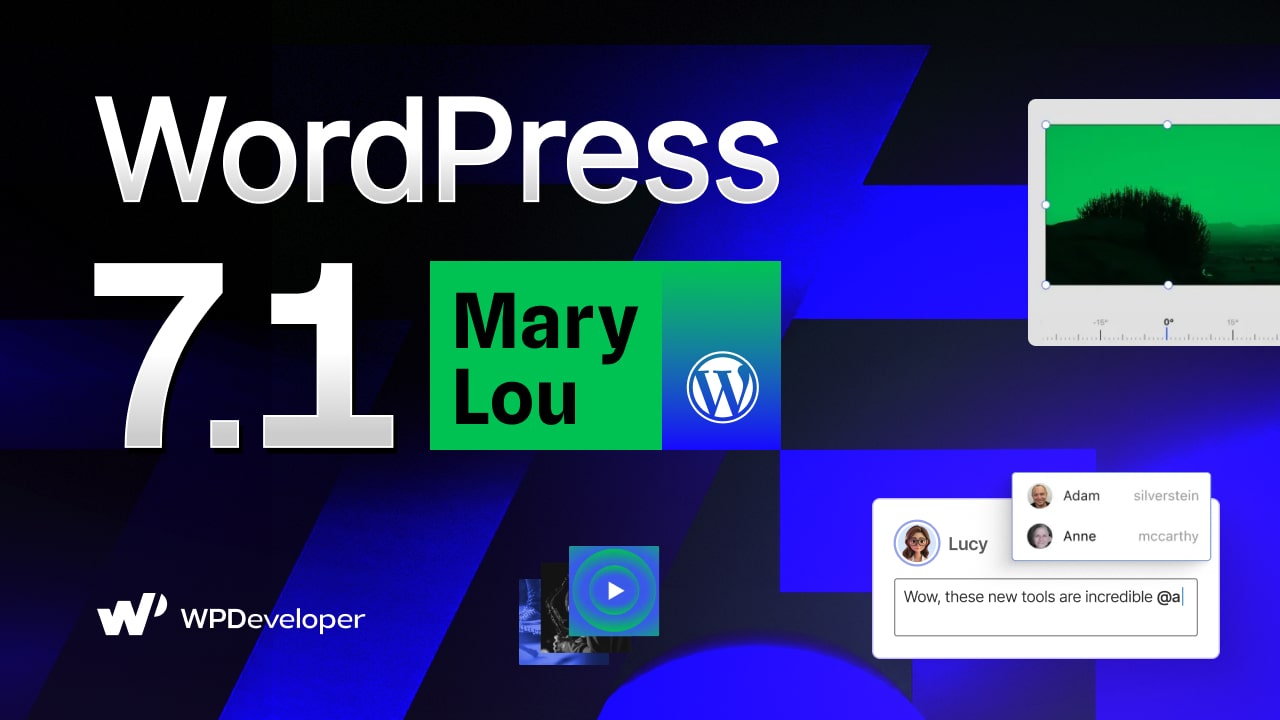
Exciting news! WordPress 7.1 “Mary Lou” just landed on August 19, 2026, right alongside WordCamp US 2026, and it is shaping up to be one of those releases that quietly changes how you work every single day rather than one built around a single headline feature. The name honors Mary Lou Williams, the pianist and arranger who spent five decades quietly rewriting what jazz could sound like and mentoring the greats who got the spotlight, a fitting namesake for a release that does its best work in the background. There is no flashy AI overhaul this time around. Instead, the WordPress core team has spent this cycle polishing the parts of the editing experience that creators, teams and developers touch constantly: Notes, styling, media and the admin itself.
WordPress 7.1 “Mary Lou” closed several hundred enhancements and fixes between Core and the Editor. Some early ideas, like broader Unicode support for email addresses, did not make the final cut and were pushed to a community plugin instead; more on that later. But what ship is a genuinely useful set of upgrades: richer team collaboration through Notes, built-in responsive and interactive styling without touching CSS, a rebuilt media pipeline, a couple of well-designed new blocks, and an admin that finally feels like it was designed as one connected experience. Let’s get into it.
WordPress 7.1: Glimpse of What You Will Find in “Mary Lou”
WordPress 7.1 “Mary Lou” put real numbers behind that scope: more than 310 Core Trac tickets, plus nearly 600 enhancements and over 630 bug fixes from the Gutenberg plugin, roughly 1,500+ enhancements and fixes across Core and the editor combined. Here is a quick glimpse of what you will actually find inside WordPress 7.1:
Smarter Notes: Rich text formatting, @mentions, multiple threads per block, and shareable revisions turn Notes into a real editorial review tool.
Responsive & Interactive Styling: Style any block per screen size and per interactive state (hover, focus) directly in the editor, no custom CSS required.
A Faster, More Resilient Media Workflow: Client-side processing brings HEIC, UltraHDR, and AVIF support, plus a new Media Editor Modal and smarter, more resilient uploads.
New Blocks & Smarter Block Behavior: The Playlist and Tabs blocks join Core, alongside fixes for background gradients, shortcode handling, and decorative images.
A More Personal, Connected Admin: The Omnibar now follows you into the Site Editor, DataViews keeps maturing, and a new On This Day widget rounds out the dashboard.
Developer-Facing Updates: An expanded Abilities API, a new Icons API, and an enforced iframed editor that requires Block API v3.
1. Notes Just Became a Real Collaboration Tool
WordPress’s block-level commenting system “Notes” was already useful for leaving feedback without a separate tool. In WordPress 7.1, it grows into something closer to a proper review workflow, which matters a lot if you are a marketing or content team that lives in the editor with writers, editors, and stakeholders all weighing in on the same draft.
Formatting, Mentions And Faster Feedback
Notes now support inline formatting: bold, italic, each with its own keyboard shortcut, so a reviewer can flag a phrasing issue or drop a code snippet without breaking their flow. Typing “@” inside a note pulls up a searchable list of collaborators, so you can tag the exact person who needs to see a comment instead of hoping they scroll past it. Long notes also collapse behind a “show more” toggle now, which keeps a busy sidebar from turning into a wall of text during a heavy review round.
Multiple Threads And Inline Selections
The bigger structural change is that a single block no longer has to hold just one conversation. You can now start multiple threads on the same block, so separate pieces of feedback stay separate instead of getting folded together and losing context. Notes can also be attached to a specific text selection instead of an entire block, so a comment on one sentence inside a long paragraph points exactly where it should. If you have ever had to write “the third sentence, not the whole paragraph” inside a note, this fixes that.
Shareable Revisions And Mention Alerts
Two additions arrived later in the release cycle and are easy to miss if you only read the Beta 1 announcement. Notes now trigger an email notification when someone is @mentioned, so feedback does not just sit unread in the editor. And revisions became shareable; you can now send a link straight to a specific revision instead of walking a teammate through “click history, then scroll to the version from Tuesday.” For any team publishing content on a schedule, both are small conveniences that add up fast.
2. Style Any Block for Any Screen, No Custom CSS Required
This is arguably the most requested capability finally showing up in Core, and it is the section of WordPress 7.1 worth reading twice if you build sites for clients.
Responsive Styling And Custom Breakpoints
You can now define how a block looks at different screen sizes directly inside the editor, for both Global Styles and individual blocks, without writing a single line of custom CSS. Padding that needs to shrink on mobile, a heading that should scale down on tablet, a layout that needs different spacing on desktop, all of it is now a native control instead of a workaround.
Theme authors get a companion feature here too: viewport breakpoints can now be defined inside theme.json, so a theme’s responsive controls can match the breakpoints the design was actually built around instead of a one-size-fits-all default.
Interactive State Styling
Right alongside responsive controls, WordPress 7.1 adds standardized styling for interactive states, think a button that shifts color on hover or gets a visible outline on focus. These controls are available in both Global Styles and on individual block instances, which means the “why does this button not have a hover state” ticket that used to require a child theme and some CSS is now a couple of clicks in the block inspector.
A Smarter “Apply Globally” Step
One refinement added mid-cycle deserves a mention: applying a local style change globally used to be all-or-nothing. Now, the “Apply globally” option opens a quick review step where you choose exactly which modified styles should become global and which should stay as local overrides on that one block. It is a small UI change, but it prevents the common mistake of accidentally pushing a one-off tweak site-wide.
3. A Faster, More Resilient Media Workflow
Media handling has quietly been one of WordPress’s weaker spots for years and WordPress 7.1 puts real engineering effort into fixing that.
Client-Side Processing And Broader Format Support
Image and media processing now happens in the browser rather than being handed off entirely to the server and it comes with meaningfully broader format support. HEIC, the default format for iPhone photos, is now supported alongside UltraHDR, AVIF and WebP, so uploading straight from a phone no longer means a conversion step first.
Animated GIFs get converted to video automatically, trading a heavy file for a much lighter one without you having to think about it. Uploads themselves are also more resilient now, with a visible progress indicator and automatic retries if your connection drops mid-upload, a small thing until you are uploading a batch of images on unreliable Wi-Fi and everything used to just fail silently.
A New Media Editor And Smarter Galleries
The old inline cropping tool is being replaced by a dedicated ‘Media Editor Modal’ that brings cropping, rotation and metadata editing together into one workflow instead of scattering them across different interfaces.
Gallery blocks got smarter too; they can now automatically pull in and sort media already attached to the current post, cutting out a chunk of manual setup. There is also a new ‘Attached Images section’ in the block inserter, so once you have uploaded images to a post, they surface automatically instead of making you dig through the full media library again. And if you manage a large media library, the grid view now loads more items as you scroll instead of requiring a “Load more” click, though if you would rather keep manual pagination, that’s still an option under your user profile.
4. New Blocks And Smarter Block Behavior
WordPress 7.1 does not introduce a huge wave of new blocks, but the ones it does add are genuinely useful, and several existing blocks got fixes that remove long-standing friction.
Playlist Block
The new Playlist block lets you add a collection of audio files to a post or page, complete with an optional waveform visualization that shows the shape of the audio as it plays. If you publish podcasts, music, or any kind of long-form audio content, this is a native way to present it without reaching for a third-party plugin.
Tabs Block
The Tabs block organizes content into clickable tabbed panels instead of dumping everything onto the page at once, a natural fit for FAQs, product specs, or comparison content where showing everything simultaneously just adds clutter. Toolbar buttons for reordering tabs were added later in the release cycle, so rearranging panels does not require dragging them around in the list view.
6. What This Means for Developers
WordPress 7.1 is not a developer-first release, but there is a meaningful set of updates underneath the surface. The Abilities API, the interface that lets plugins and AI tooling interact with WordPress functionality in a standardized way, gets improved querying, filtering and input validation.
Alongside it, a new SVG icons API gives plugin and theme authors a standardized way to register their own icons and icon collections for use throughout the block editor — replacing the ad hoc approaches teams have relied on so far and keeping custom icons visually consistent with core’s own.
The change most likely to actually affect your workflow is that the post editor now always runs inside an iframe. If you maintain blocks built on Block API v2 or earlier, plan to update them to v3 for compatibility before upgrading production sites. It is also worth knowing that wordpress/theme is being stabilized with design tokens and a React ThemeProvider, laying the groundwork for more consistent admin interfaces going forward, and that jQuery UI has been bumped to version 1.14.2 under the hood.
Get Your Site Ready for WordPress 7.1
WordPress 7.1 is a maintenance-friendly release in the best sense; nothing here forces a redesign, but plenty of it will change your day-to-day workflow for the better. WordPress 7.1 is officially out, so it is worth taking a few practical steps before you update your live site. Spin up a staging copy first and test it against the new release, especially if you are running custom blocks that still target Block API v2.
As always, back up your site before updating, whether you are on WordPress 7.0 or further behind, and keep an eye on your plugin and theme changelogs in the days after release for any compatibility updates.
Hopefully, you have found this article helpful. If you want to stay up to date with the latest WordPress updates, trends and tips, subscribe to our blogs and join our Facebook Community.
Frequently Asked Questions
What’s the single biggest change in WordPress 7.1?
There isn’t one standout feature this time. The most broadly useful additions are native responsive and interactive styling controls (no custom CSS required) and the expanded Notes system for team collaboration.
Do I need to update my custom blocks before upgrading?
If any of your blocks use Block API v2 or lower, yes — the post editor now always runs inside an iframe, and older blocks should be updated to Block API v3 for reliable rendering.
Does WordPress 7.1 support HEIC images from iPhones?
Yes. Client-side media processing in WordPress 7.1 adds built-in support for HEIC, along with UltraHDR, AVIF, and WebP.
Is Unicode email address support included in WordPress 7.1?
No. It was tested during the beta cycle but was pulled from the final release and will continue development as a separate community plugin.
The post What’s New in WordPress 7.1 “Mary Lou”: Smarter Notes, Responsive Styling, New Blocks & More appeared first on WPDeveloper.
Leave a Reply